AI Assistant Integrations
Run Your AI Calling From Claude, ChatGPT, Gemini Or Grok
Bigly Sales AI assistant integrations let you work side by side with the AI assistants your team already uses. Connect Claude, ChatGPT, Gemini or Grok to your Bigly Sales account with one line of code. Then ask about your calls, leads and campaigns in plain language and get the answer right in the chat.
Available to every Bigly Sales customer. Your free setup includes a Bigly MCP walkthrough.
Working side by side with Bigly Sales
The Short Answer
What Bigly Sales AI Assistant Integrations Are
Bigly Sales AI assistant integrations connect Claude, ChatGPT, Gemini and Grok to your Bigly Sales account through the Bigly Sales MCP server. MCP, or Model Context Protocol, is the open standard that lets an AI assistant reach outside software. New to it? Start with What Is MCP.
Once connected, your assistant pulls live answers from your Bigly account. Who picked up, who wants a callback and how a campaign is pacing. No dashboard to open and no export to download. Bigly Sales still runs every call, fully managed.
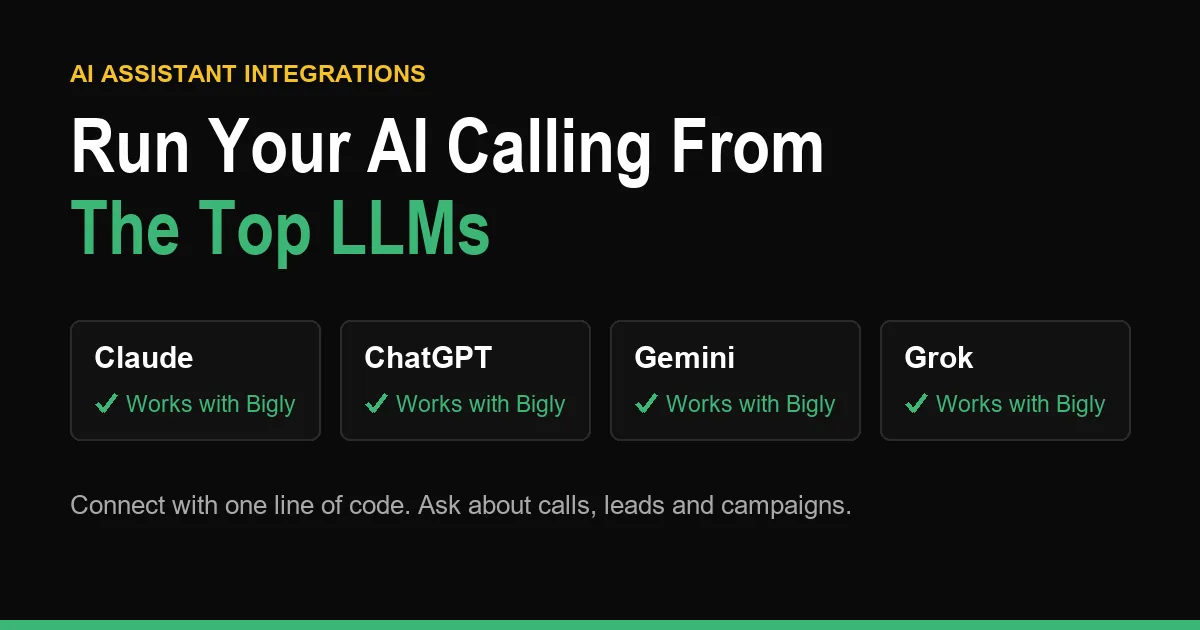
Supported Assistants
Pick The Assistant Your Team Already Uses
Our AI assistant integrations work the same way in all four. Your team keeps working in the chat window it knows, and the answers come from Bigly Sales.
Claude
Ask Claude about call outcomes, interested leads and follow-up lists from your Bigly account.
ChatGPT
Ask ChatGPT for call summaries, transcripts and campaign pacing without leaving the chat.
Gemini
Ask Gemini who wants a callback this week and hand the list straight to your reps.
Grok
Ask Grok how your campaigns are doing and how many minutes they have used so far.
How to Connect
Connect Your Assistant In Three Steps
Setting up AI assistant integrations does not need a developer. Your assistant does the install for you, and your account manager is there if you want a hand.
Step 1
Get Your One Line Of Code
This is the line that links your assistant to the Bigly Sales MCP server. Your account manager shares it and shows you where it goes during your free setup.
Step 2
Ask Your Assistant To Install It
Open Claude, ChatGPT, Gemini or Grok, paste the line and ask the assistant to install the Bigly connection for you. It handles the setup steps on its side.
Step 3
Ask Your First Question
Try something simple like “who picked up today and wants a demo?” The answer comes straight from your Bigly account. If anything does not connect, your account manager will help you finish it.
Free 30-minute setup, a $1,000 value. No credit card.
What You Can Ask
Questions Your Team Can Ask From Day One
Name the campaign and the date range and ask for a list, not just a count. The full list of jobs is on the MCP server page.
| You ask | What comes back |
|---|---|
| Who asked us to call back this week? | Every lead who asked for a follow-up, with the day they asked for |
| Summarize my call with this lead before I dial. | A short summary of the call, with the transcript behind it |
| Which leads showed real interest yesterday? | The warmest conversations, so closers start there |
| How is the insurance campaign pacing? | Calls placed, connects and minutes used so far |
| Add these contacts to the reactivation campaign. | The contacts created or updated and sent into the live campaign |
Built In
What Stays Inside Bigly Sales
Your Account Sets The Limits
The assistant works through your existing Bigly Sales account. It only sees what that account is allowed to see. You decide which people on your team connect an assistant and what they may change.
Compliance Stays In The Platform
Consent records, DNC scrubbing and local-time calling windows are enforced before every dial. Asking from an AI assistant does not change who you are allowed to call.
See our compliance approach.
Free 30-minute setup, a $1,000 value. No credit card.
Free Setup
Your Free Setup Includes A Bigly MCP Walkthrough
We Connect It With You
Every customer gets a free 30-minute setup, a $1,000 value at no cost. We build your AI voice agent and call flows live, and we walk you through your AI assistant integrations, connecting the Bigly MCP to the assistant you use.
Then The AI Calls Your Phone
You hear your agent work on a live test call. Your setup stays live when you choose any of our five plans. Scout starts at $99 a month, or $69 a month billed annually. Compare them on the pricing page.
FAQ
AI Assistant Integrations Questions, Answered
Which AI assistants work with Bigly Sales?
How do I connect my AI assistant to Bigly Sales?
Can ChatGPT connect to an MCP server?
Does Grok support MCP?
Can ChatGPT make phone calls?
What is the difference between an API and an MCP server?
What can I ask my assistant about my calls?
Can the assistant see everything in my account?
Is AI calling legal?
Does connecting an assistant cost extra?
Ask Your Calls A Question Today
Book your free 30-minute setup. We build your AI calling system live and set up your AI assistant integrations with Claude, ChatGPT, Gemini or Grok.


